
Support
How to reset your router
Step 1
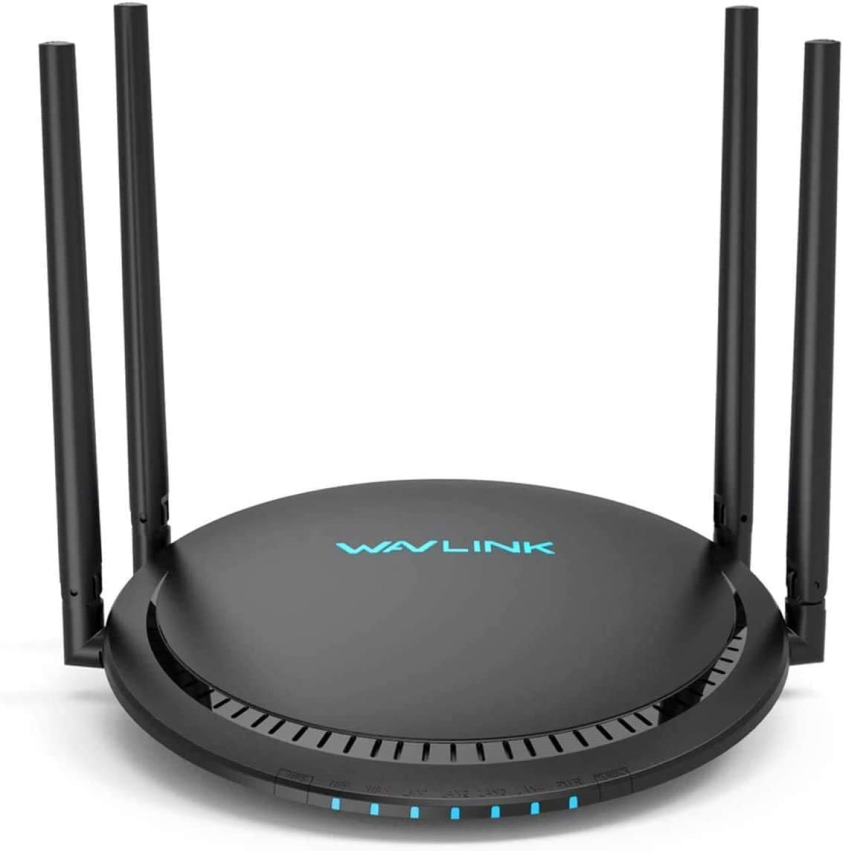
Locate your WAV Link router.
Step 2
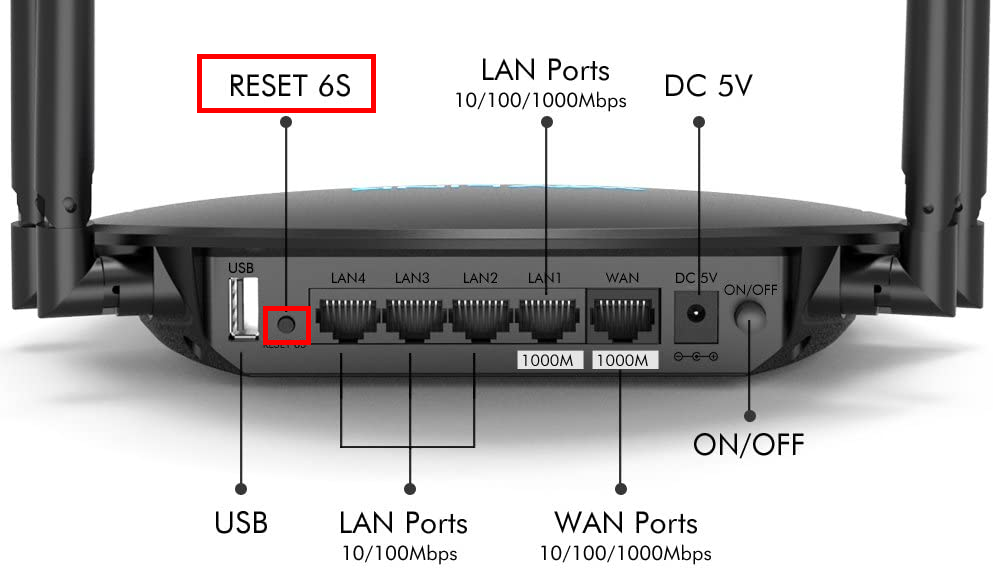
Look behind the router and locate the small "Reset" button on the left side. You will need a slim object (e.g. a toothpick) for this next step.
Using the slim object, click and hold the "Reset" button for 8 seconds. During this time, you will see that all the indicators turn on and off. After 8 seconds, standby for 3 minutes to let internet connect. You have successfully reset your router.